Test your Bot
Before publishing your chatbot, test it thoroughly to make sure everything works as expected. There are two ways to test…
Before publishing your chatbot, test it thoroughly to make sure everything works as expected. There are two ways to test your bot.
1. Using the Preview Function
The fastest way to test is directly in the bot builder. Open your bot in the Flow Builder or AI Knowledge Studio and look for the chat preview on the right side of the screen (in Widget Style, switch to Inline preview mode).
The preview lets you have a real conversation with your bot. Use it to:
- Check for typos and grammatical errors
- Make sure the conversation flows logically
- Verify that buttons lead to the correct paths
- Test that variables (like name and email) are saved correctly
- For AI bots — ask various questions to see if the answers are accurate
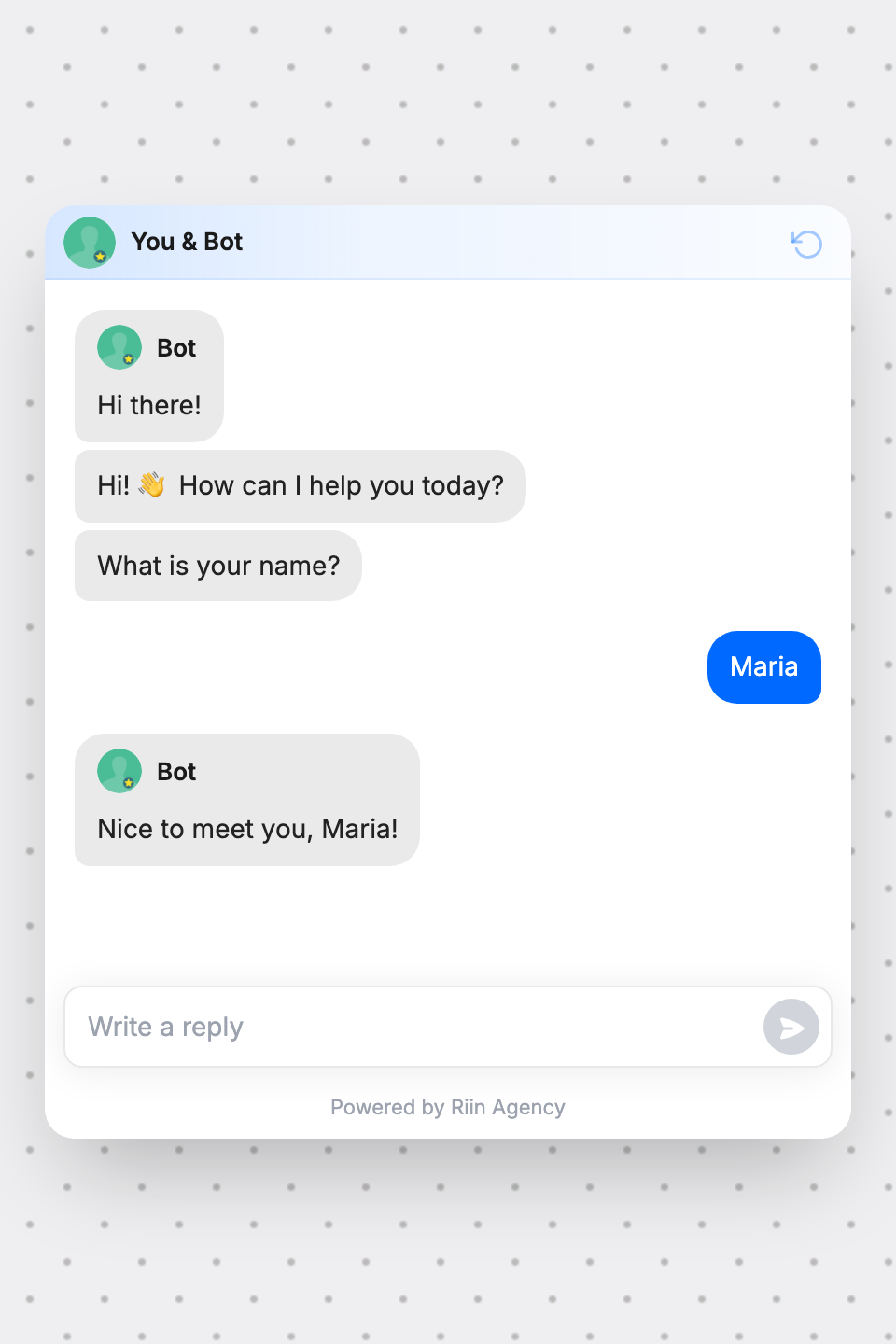
To restart a test, click the Reset chat button at the top of the page.
2. Sharing a Direct Test Link
To test on a real device (mobile, tablet) or share with colleagues:
- Go to the Dashboard and find your bot
- Click the Embed button
- In the pop-up, copy the Public Share Link
- Open this link on any device to test the bot as a visitor would see it
This is especially useful for testing the mobile experience and sharing with team members for feedback.
What to Test
- Button-based bots: click through every path, test every option, check that all messages display correctly
- AI bots: ask 10–15 different questions from your FAQ list, try edge cases, ask something the bot shouldn’t know (it should politely decline)
- Lead collection: fill in test data and check that it appears in the Responses section
- Widget appearance: check colors, fonts, and icon on both desktop and mobile