Integrations
Send leads and chat data from your bot to other tools.
Open any bot, click Settings in the left sidebar, then click the Integrations tab. You will see fields for these tools.
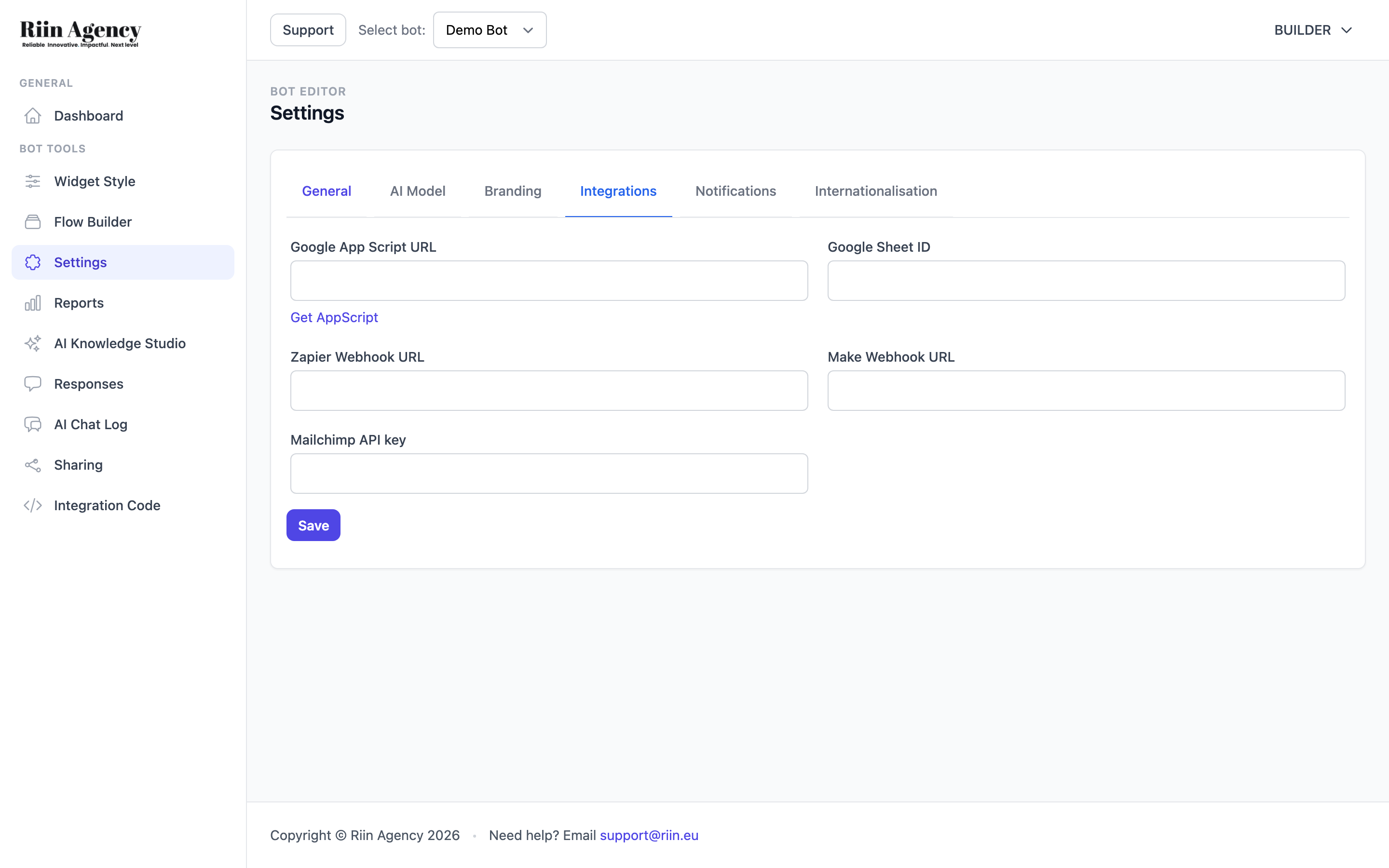
What you can connect
| Tool | What it does |
|---|---|
| Google Sheets | Auto-log every conversation and lead to a spreadsheet. |
| Zapier | Trigger any of Zapier's 6,000+ apps when the bot collects data. |
| Make (formerly Integromat) | Build more complex automations. Great for advanced flows. |
| Mailchimp | Add leads straight to your email list. |
| Klaviyo | Use Make as a bridge — see Connecting Klaviyo. |
How it works
When a visitor chats with your bot, the conversation is saved. After a short delay (you set the timer), the data is sent to your connected tools.
The timer is set in your AI Assistant block in the Flow Builder. Recommended: 5 minutes (most chats are shorter). Do not set it longer than 10–15 minutes — Q&A chats almost never last that long.
If the timer is blank, no chat data is sent. Always set it.
Integration requirements
- Integrations only work in Flow Builder mode, not in Standalone AI Chat.
- The Flow needs at least one Save Data or response field for integrations to have something to send.
- A bot can connect to several tools at once.
Need Klaviyo set up by us?
Klaviyo is more powerful than Mailchimp — and we are a Klaviyo partner. If you want a proper Klaviyo welcome flow, abandoned cart flow, or post-purchase flow built for you, see Riin Agency Klaviyo services.