Understanding Reports
The Reports page gives you a quick overview of your bot's lead generation performance. Open any bot and click Reports…
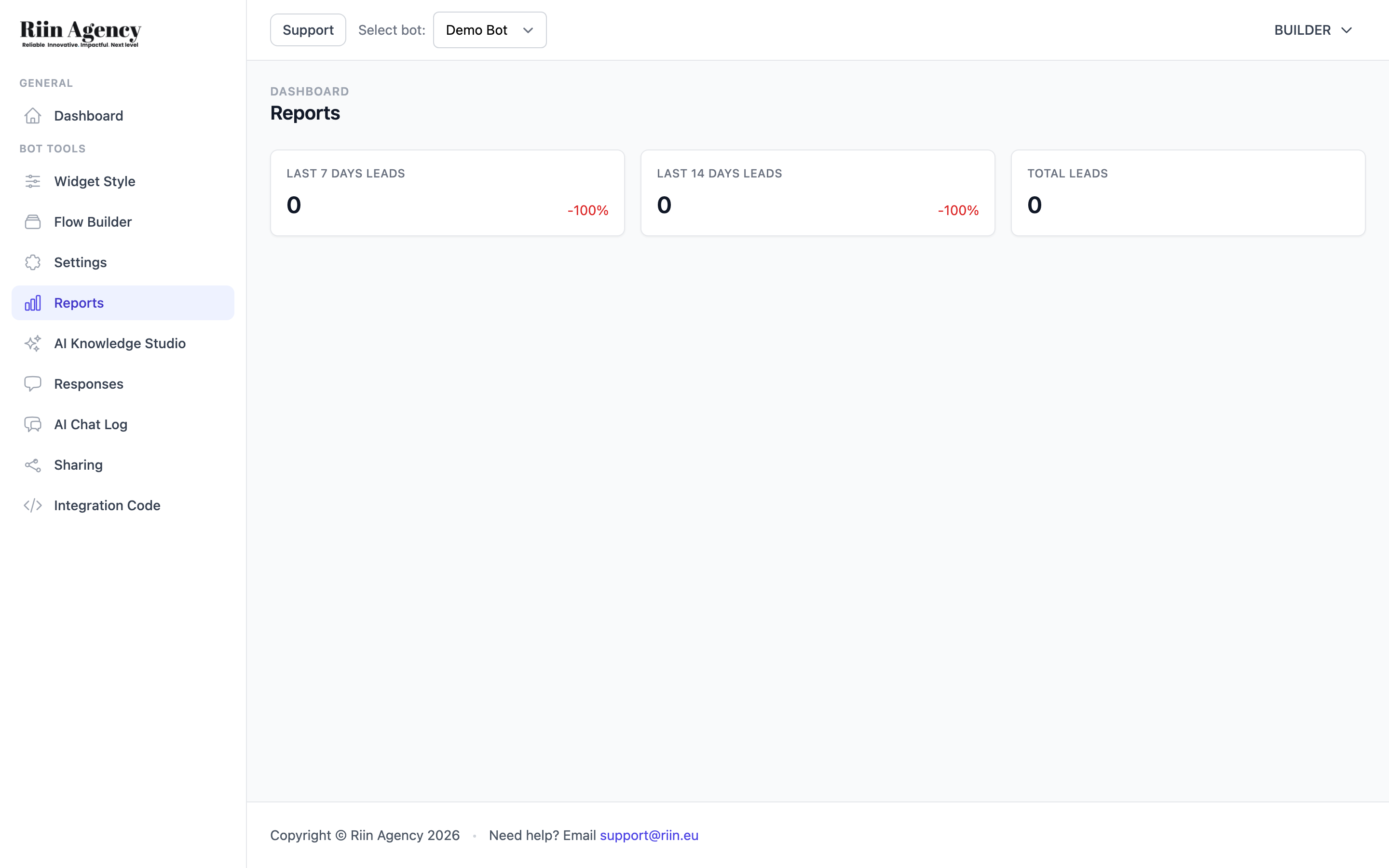
The Reports page gives you a quick overview of your bot’s lead generation performance. Open any bot and click Reports in the sidebar to see your statistics.
What Reports Show
The Reports page displays three key metrics as stat cards:
- Last 7 Days Leads — The number of leads your bot has collected in the past week, with a percentage change compared to the previous period.
- Last 14 Days Leads — The number of leads collected over the past two weeks, also with a percentage change.
- Total Leads — The all-time total number of leads captured by this bot.
The percentage indicators show you whether lead collection is trending up or down compared to the previous period, making it easy to spot changes in performance at a glance.
Using Reports to Improve
While the Reports page shows lead statistics, you can get deeper insight into your bot’s performance by combining it with other tools:
- Check the Responses page to see what choices visitors are making in your bot flow.
- Review the AI Chat Log to read actual AI conversations and understand what visitors are asking.
- Use the Dashboard statistics (visible from the main Bots Overview) for a cross-bot comparison of leads.
If your lead numbers are low, consider reviewing your bot’s welcome message, call to action, or the flow structure to make it easier for visitors to engage.